Gallery
Ready to paste
Every art is 26 characters wide and 13 rows or fewer, the size of the in-game chat box.
Agents
Text art for every agent
Thirty agents, thirty pages. Pick your main and copy its banner.
-
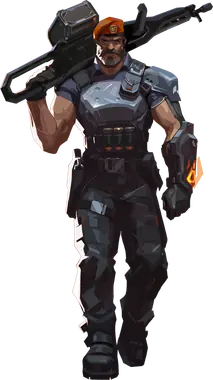 Brimstone Controller
-
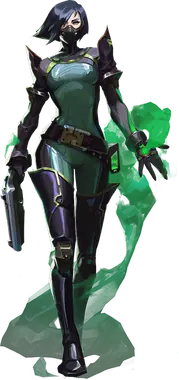 Viper Controller
-
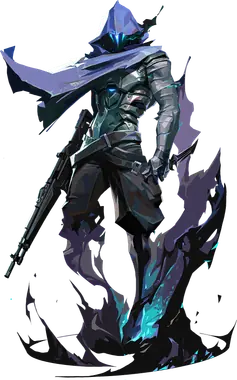 Omen Controller
-
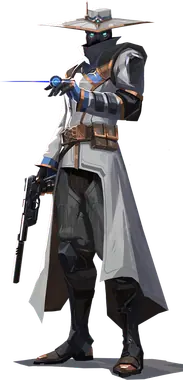 Cypher Sentinel
-
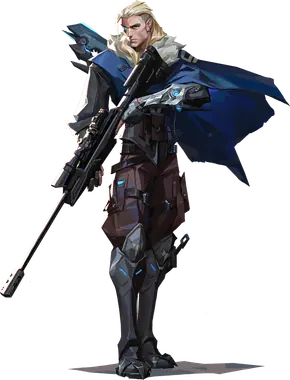 Sova Initiator
-
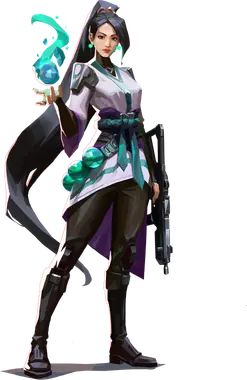 Sage Sentinel
-
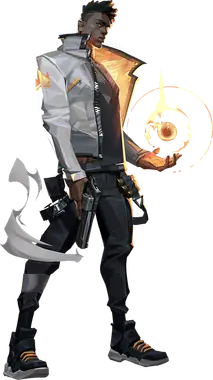 Phoenix Duelist
-
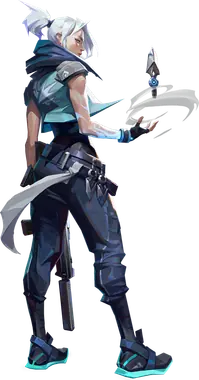 Jett Duelist
-
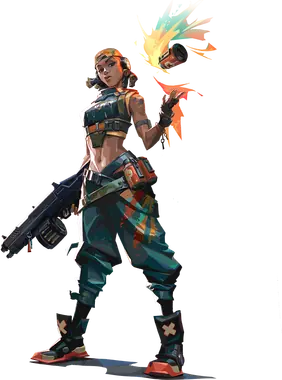 Raze Duelist
-
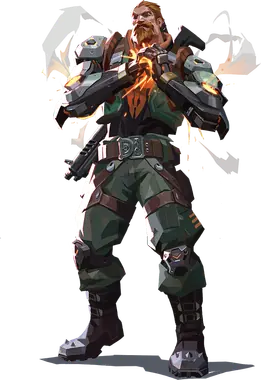 Breach Initiator
-
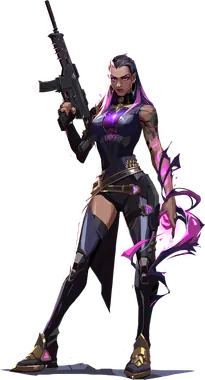 Reyna Duelist
-
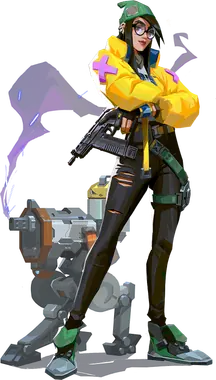 Killjoy Sentinel
-
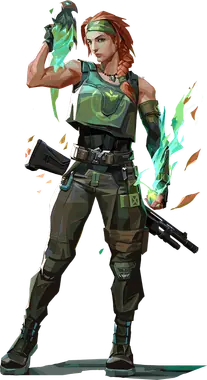 Skye Initiator
-
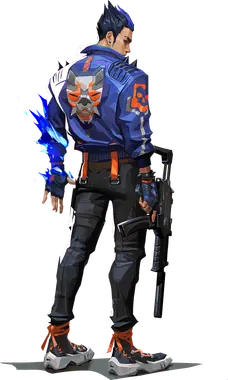 Yoru Duelist
-
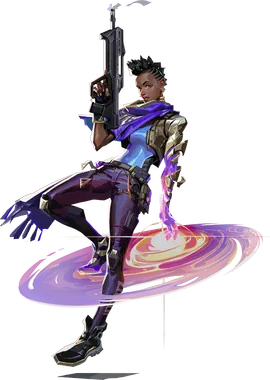 Astra Controller
-
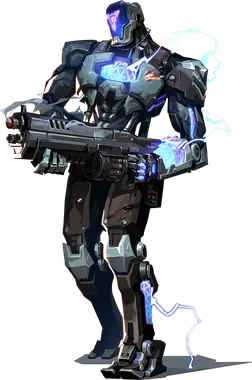 KAY/O Initiator
-
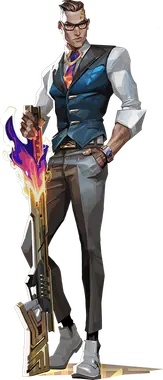 Chamber Sentinel
-
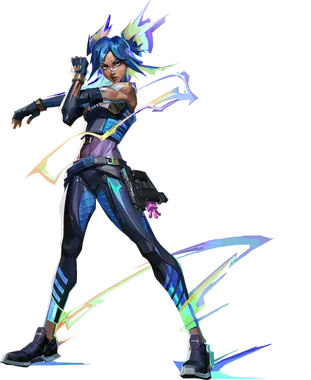 Neon Duelist
-
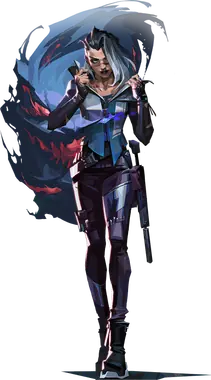 Fade Initiator
-
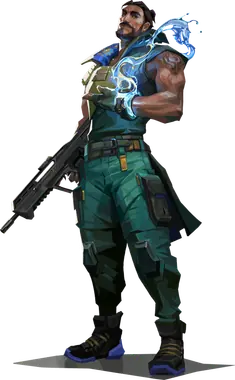 Harbor Controller
-
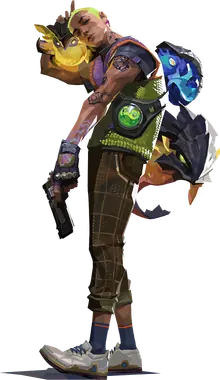 Gekko Initiator
-
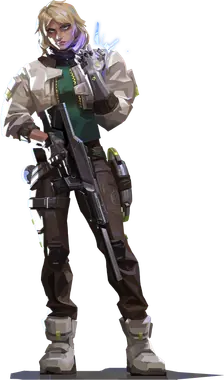 Deadlock Sentinel
-
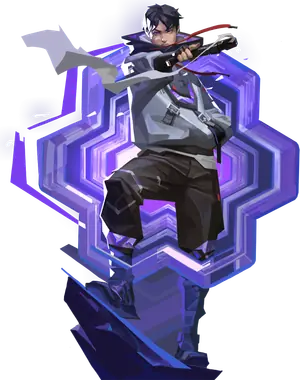 Iso Duelist
-
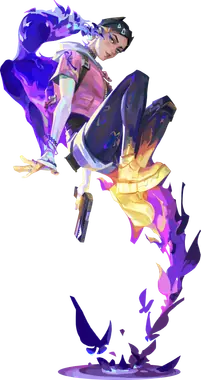 Clove Controller
-
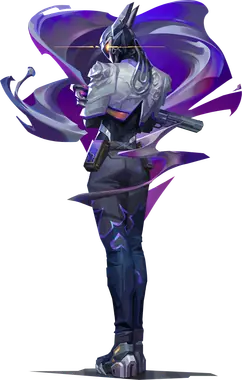 Vyse Sentinel
-
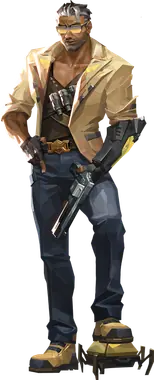 Tejo Initiator
-
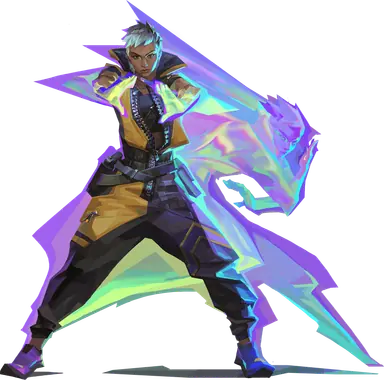 Waylay Duelist
-
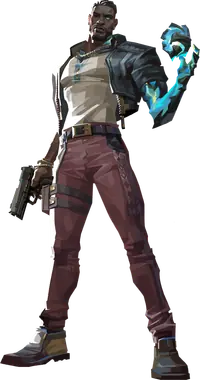 Veto Sentinel
-
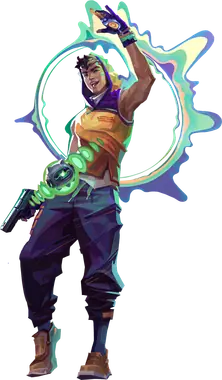 Miks Controller
-
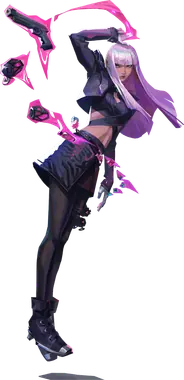 Hush Duelist
Tools
More than text art
Names, symbols, fonts and two small games for the time between queues.
- Generator Turn your own text into a block-letter banner.
- Names Name ideas, duo names and taglines that fit a Riot ID.
- Symbols Blocks, stars, arrows and invisible characters, one click each.
- Font Your name in 26 styled Unicode fonts.
- Random agent Draw one agent or a full team of five, by role.
- Quiz A daily guess-the-agent game, same puzzle for everyone.
What Valorant text art is
Valorant text art, also called chat art or ASCII art, is a picture made of ordinary characters and sent as a chat message. The game has no image support in chat, so players build pictures out of block characters such as █, ▀, ▄ and ░. Those characters all have the same width in the game font, which is what keeps the rows aligned.
How the chat turns one line into a picture
The Valorant chat box does not keep line breaks. An art is therefore one long line, cut into rows of exactly 26 characters. When the line reaches the edge of the chat box, the game wraps it, and row after row the drawing appears. That is why the width matters so much: one character too many and every row after it is shifted.
Valoverse copies each art in that format. The preview you see on the site uses the same 26-column grid as the game at a 16:9 resolution, so what you see is what your lobby gets.
Three rules for an art that lands
- Check your resolution. On a stretched resolution (4:3 or 16:10 stretched to fill the screen) the chat fits 27 characters per line instead of 26. Gallery arts are made for 26. For 27, build your banner in the text art generator and pick the stretched width.
- Do not type before or after the art. Anything you add in the same message moves every row. Send the art alone.
- Pick the right moment. The buy phase and the end of a round are fine. In the middle of a retake, a 13-row picture covers information your team needs.
Team chat or all chat
Enter opens team chat and Shift+Enter opens all chat. Callouts such as Rush B or Save belong in team chat. A GG WP or an EZ only makes sense in all chat. Party chat works the same way for your premade group.
More than a gallery
The same block letters power the generator, which turns any short text into a banner and warns you before it gets too tall. If you are setting up a new account, the name ideas, the symbols and the font generator cover the Riot ID side. And between two queues, there is a random agent picker and a daily quiz.
Questions players ask
How do I paste text art in Valorant chat?
Press the Copy button on an art, open the chat in game with Enter (team) or Shift+Enter (all), press Ctrl+V and then Enter. The art is copied as a single line: the chat wraps it every 26 characters, which rebuilds the picture row by row.
Why does my text art look broken in game?
Almost always because of width. The chat fits 26 block characters per line at a 16:9 resolution. If you play on a stretched resolution the chat fits 27, so every row shifts by one. Use the generator's 27-column setting in that case. An art also breaks if a space or a letter was added in the middle of it.
How big can a Valorant text art be?
26 characters wide and 13 rows tall is the safe maximum: beyond 13 rows the top of the art scrolls out of the chat box before anyone can see it. Every art on Valoverse respects both limits, and its page shows the exact size.
Can I get banned for using text art?
Pasting a picture is not against the rules by itself. What gets players chat-restricted is spam and abuse: the same art five times in a row, or text aimed at harassing someone. One art at the right moment is fine. If a teammate asks you to stop, stop.
Are these arts copied from other sites?
No. Every art here was drawn for Valoverse with our own pixel fonts and pictures. You are free to copy them, paste them, and share them anywhere.