Agents
All agents
Every agent has its own page with a banner to copy.
-
 Brimstone Controller
-
 Viper Controller
-
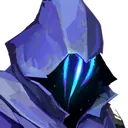 Omen Controller
-
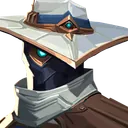 Cypher Sentinel
-
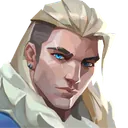 Sova Initiator
-
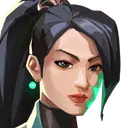 Sage Sentinel
-
 Phoenix Duelist
-
 Jett Duelist
-
 Raze Duelist
-
 Breach Initiator
-
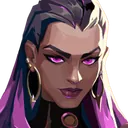 Reyna Duelist
-
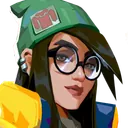 Killjoy Sentinel
-
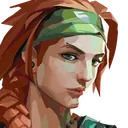 Skye Initiator
-
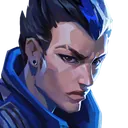 Yoru Duelist
-
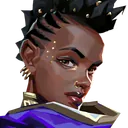 Astra Controller
-
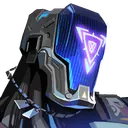 KAY/O Initiator
-
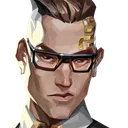 Chamber Sentinel
-
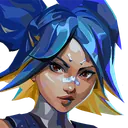 Neon Duelist
-
 Fade Initiator
-
 Harbor Controller
-
 Gekko Initiator
-
 Deadlock Sentinel
-
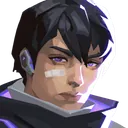 Iso Duelist
-
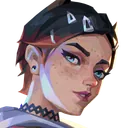 Clove Controller
-
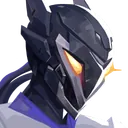 Vyse Sentinel
-
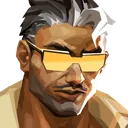 Tejo Initiator
-
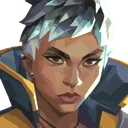 Waylay Duelist
-
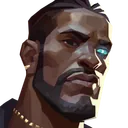 Veto Sentinel
-
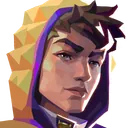 Miks Controller
-
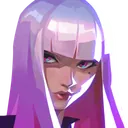 Hush Duelist
How the gallery is organised
Each art has one main theme and sometimes a second one. Toxic holds the trash talk, GG the sportsmanship, Callouts the messages that actually help your team, and ASCII every banner made of block letters only. Arts tied to an agent live on that agent’s page, for example Jett or Omen.
Under each art you will find its size in rows. A short art (5 to 7 rows) leaves the rest of the chat readable. A tall one (11 to 13 rows) fills the whole chat box: great for the end of a match, heavy-handed in the middle of a round.
What makes an art safe to paste
All the arts in this gallery follow the same three constraints:
- 26 characters per row, no more, no less. That is the width of the chat box at a 16:9 resolution. Rows that are too short or too long shift everything below them.
- 13 rows at most. The chat box shows about 13 lines. A taller art scrolls its own top out of view.
- Block characters only. Letters and emoji have different widths in the game font, so a single one in a row breaks the alignment. The arts here use full blocks, half blocks and shades, which all share one width.
The build of this site checks those rules for every art, so a broken one cannot be published.
One line or several lines
For Valorant, the art must be a single line: the chat removes line breaks and wraps the text itself. For Discord and social apps it is the opposite. That is why every art page has two buttons, Copy for Valorant chat and Copy with line breaks. The gallery buttons use the Valorant format.
Make your own
If the banner you want is not here, type it into the text art generator. It uses the same pixel fonts as the gallery and shows a live counter of rows and characters, so you know it fits before you paste it.
Updated
Questions players ask
What is the difference between chat art, text art and ASCII art?
In Valorant they mean the same thing: a picture made of characters and sent as a chat message. Strictly speaking, ASCII art uses only the 95 basic keyboard characters, while Valorant art relies on Unicode block characters like █ and ░. Players use the three names interchangeably.
Do these chat arts work in every region and language?
Yes. The block characters are part of the game font in every client language, and the chat box has the same width everywhere. The only thing that changes the result is your resolution: stretched resolutions fit 27 characters per line instead of 26.
Can I use these arts in Discord or on other games?
Yes. On the page of each art, use Copy with line breaks: Discord, Twitch chat and most apps keep line breaks, so the art needs them there. Put it in a code block on Discord (three backticks) to keep the rows aligned.
How do I send an art to the enemy team?
Open all chat with Shift+Enter instead of Enter, then paste. The label in front of your message shows which channel you are typing in, so check it before you press Enter.
Can I submit my own art?
Not yet. A submission page with moderation is planned. Until then, the generator lets you make banners with your own text.